
Setup Logging in Rust Programs
When print statements are not enough

We are going to use the env_logger crate for this. The recommendation is to use log crate when you are building a library. However, if the output is a executable, we can use the env_logger crate.
use env_logger::{Builder, Target};
use log::{debug, info, error};

fn main() {
    env_logger::init();

    debug!("this is my first debug {}", "message");
    error!("this is printed by default");
}
You can also read the environment variable from code if you are using a custom log variable.
Builder::from_env("MY_APP_LOG").init();How to use env_logger on Windows Powershell?
You need to set environment variable before executing the exe. In Powershell, You can set env variables using $Env.
PS C:\code\rust\logcheck\target\debug> $Env:RUST_LOG="debug"
PS C:\code\rust\logcheck\target\debug> $Env:RUST_LOG
debug
PS C:\code\rust\logcheck\target\debug> .\logcheck.exe
[2025-01-02T09:21:17Z DEBUG logcheck] this is a debug message
[2025-01-02T09:21:17Z ERROR logcheck] this is printed by default
How to use env_logger on Windows Command prompt?
You can set env variables using set ENV_VAR=value
C:\>set RUST_LOG=debug

C:\>cd C:\code\rust\logcheck\target\debug

C:\code\rust\logcheck\target\debug>logcheck.exe
[2025-01-02T09:27:33Z DEBUG logcheck] this is a debug message
[2025-01-02T09:27:33Z ERROR logcheck] this is printed by default

C:\code\rust\logcheck\target\debug>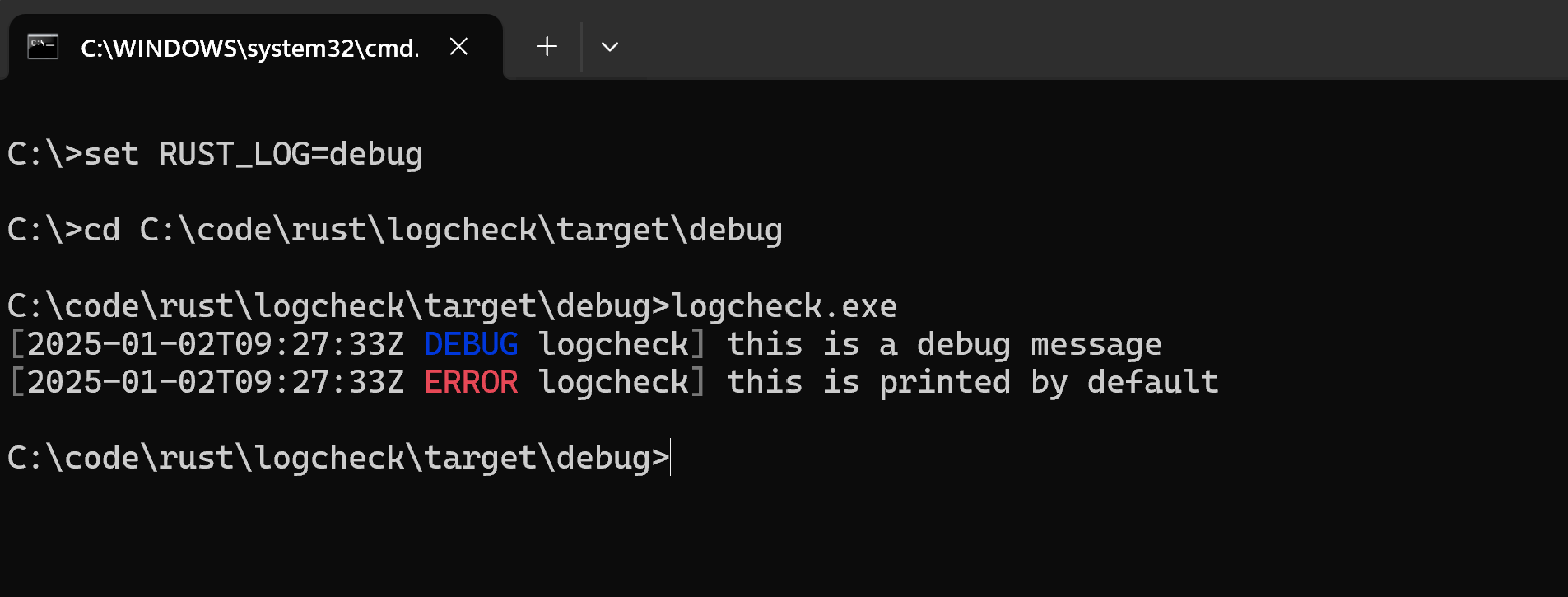
Thanks for reading!